Reading an article can lead to external websites, downloads, account settings or decisions involving personal information. Responsible publishing reduces unnecessary risk, but readers also need practical habits that apply across the web.
This guide explains how Letspostit approaches privacy and safety and how visitors can protect themselves when following links or acting on general information.
Understand what a privacy policy can tell you
A privacy policy should describe the types of information a site collects, why it is processed, relevant third parties and the choices available to users. It is a legal and operational disclosure, not a promise that no incident can ever occur.
Readers should avoid sending unnecessary sensitive data through general contact forms. Passwords, payment details, medical records and identity documents require an appropriately secured and intended channel.
Treat external links as separate destinations
An external link can provide evidence or further reading, but the destination controls its own security, content and privacy practices. Check the domain before entering credentials or downloading a file.
Letspostit removes deceptive and unrelated links when identified, yet no publication can guarantee that a third-party page will remain unchanged. Return to the Letspostit domain if a destination looks unexpected.
Protect accounts and devices
Use unique passwords, a password manager and multi-factor authentication where available. Keep the operating system, browser and security tools updated. Download software only from the official publisher or a trusted store.
Be suspicious of activators, cracked licences, credential marketplaces and messages demanding urgent login. A convincing logo or familiar product name is not proof of legitimacy.
Apply caution to high-impact topics
Health, finance and legal information can affect wellbeing, money and rights. General articles help readers understand terminology and prepare questions, but they cannot assess individual circumstances.
Check the date and sources, then consult a qualified professional or official authority when the decision has significant consequences.
Recognise manipulation and guaranteed claims
Offers that guarantee rankings, followers, loans, investment returns or medical outcomes deserve scrutiny. Results depend on conditions that a seller may not control. Manipulation services may also violate platform rules or expose account credentials.
Look for specific evidence, transparent limitations and current terms instead of relying on urgency, testimonials or unsupported numbers.
Report a safety or privacy concern
A useful report includes the exact page, the concerning link or statement and why it may create risk. Do not test suspected malware or submit personal data merely to gather more evidence.
Use the Contact page and allow the editorial team to investigate. For an active account compromise or financial loss, contact the relevant provider, bank or local authority immediately.
A simple link-safety routine
Before opening a link, read the domain and anchor text. After opening it, confirm that the address, branding and purpose match your expectation. Do not enter credentials after an unexpected redirect. Close the page if it demands a download, payment or urgent action unrelated to the article.
On mobile devices, long addresses can be hidden. Use the browser’s address display and official app-store or provider search when doubt remains.
Minimise the information you share
Contact and registration forms should receive only the data needed for the stated task. Use separate strong passwords and avoid reusing security answers. Review permissions after a service is no longer needed and delete dormant accounts where practical.
If a breach is suspected, change affected credentials from a trusted device, review sessions and contact the provider. Do not wait for a general article to diagnose an active incident.
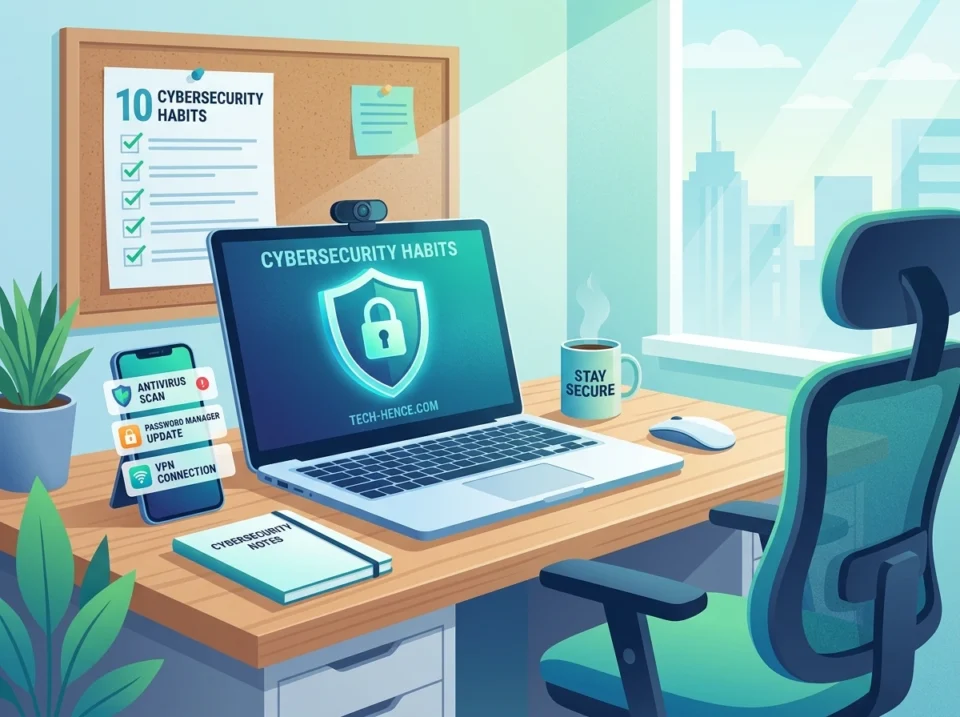
Practical checklist
- Check the destination domain
- Avoid unexpected credential prompts
- Use unique passwords and MFA
- Install only from official sources
- Share the minimum personal data
- Treat guaranteed claims cautiously
- Update devices and browsers
- Report suspicious links without testing them
Use this checklist as a starting point and adapt it to the subject, risk and evidence available. A checklist supports judgement; it does not replace it.
A common mistake to avoid
Do not investigate a suspicious page by entering false credentials or downloading the file. That still creates exposure. Capture the URL safely, close the page and report the concern through the proper channel.
Frequently asked questions
Does Letspostit guarantee external websites?
No. External sites control their own content, security and privacy practices.
Should I send documents through the contact form?
Do not send highly sensitive documents or credentials through a general contact form.
What should I do after a suspicious download?
Stop using the file, follow current security guidance and seek qualified help if the device or important data may be at risk.
Final takeaway
Letspostit Privacy, Safety and Responsible Reading Guide is most useful as part of a transparent, well-maintained publication. Readers should match each guide to a clear question, check dates and evidence, understand important limitations and use the Contact page when a factual or safety concern needs review.
